Front-End · 3 min read
Angular Material Is Underrated, and Many Teams Are Wrong to Skip It
Why Angular Material deserves more credit: what it gave me on a real migration, from forms and tables to accessibility.

Angular Material has been part of the Angular ecosystem for years, and yet many Angular applications don’t use it. After working with it extensively on a migration project, I honestly wonder why it isn’t used everywhere.
As a UX designer and front-end developer at Cullen International, one of my main missions was to migrate a back office to Angular. Angular Material turned out to be one of the best technical decisions of that project. Here’s why.
The context: migrating Vaadin screens to Angular
Our internal tool, used by a team of analysts, was partly built with Vaadin panels. My job was to migrate all of those screens to Angular. Most of them were CRUD screens: listing data, filtering it, creating, editing and deleting records.
On this kind of screen, the goal isn’t to invent an original interface. The goal is to be consistent, quick to build and pleasant to use every day.
Three components that changed everything
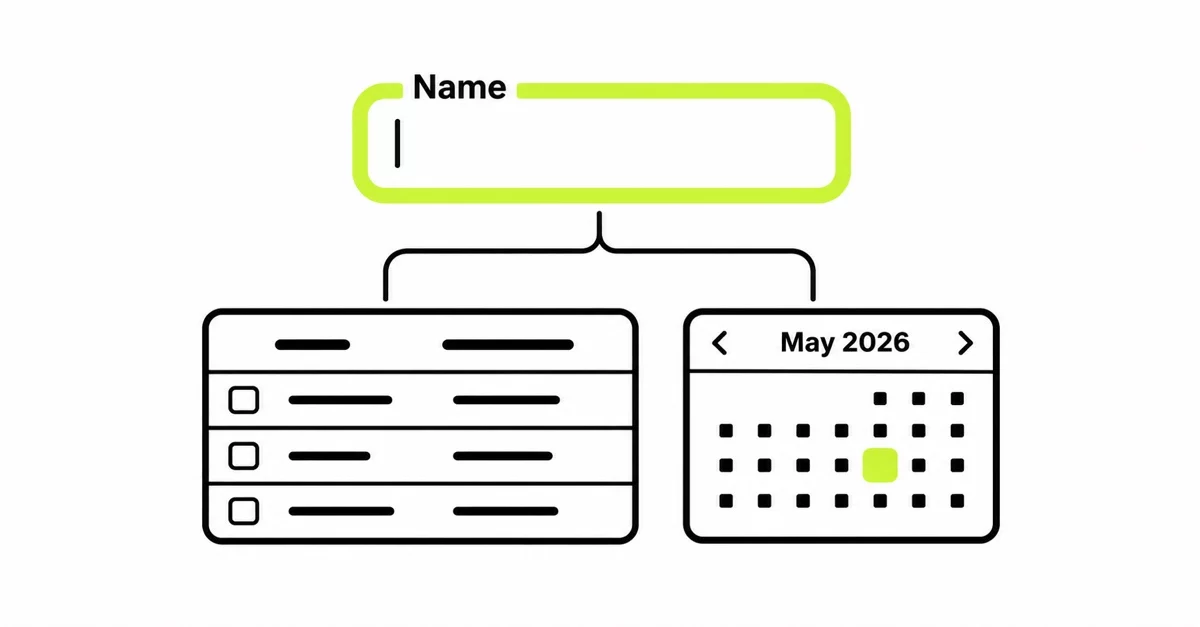
The table (mat-table). Sorting, pagination, filtering: with MatSort, MatPaginator and MatTableDataSource, a complete, working table takes just a few lines. More importantly, every table in the application behaves the same way. For users moving from one screen to another, that consistency is priceless.
Form fields (mat-form-field). Label, hint text, error message, disabled state, required field: everything is built in, and it all works naturally with Reactive Forms. The design questions you usually ask yourself when building a form (where to show the error, how to flag a required field) already have a consistent answer.
The datepicker (mat-datepicker). Building a datepicker from scratch is a well-known trap: date formats, languages, keyboard navigation, edge cases. With Material, you configure the date adapter and the locale, and the hard part is done.
For this migration, these three components were a real game changer, because they are so easy to set up and to use. I could spend my time on what really mattered: user flows and business logic.
Accessibility, for free
This is the argument people most often forget. Behind Angular Material sits the CDK, which handles focus management, keyboard navigation, ARIA roles and screen reader announcements. These are exactly the things that are hardest to get right when you build your own components.
A custom table that works with a mouse but not with a keyboard is a very common flaw. With Material, that work is already done, and done well. One word of caution, though: heavily overriding templates or styles can break that accessibility. Customize with care. I’ll come back to this in detail in an upcoming article dedicated to accessibility.
« Yes, but it’s heavy and it looks like Google »
These are the two objections you hear most often.
The weight. It’s true, Angular Material isn’t the lightest library around. But with standalone components, you only import what you use. And above all, it depends on the context. For an internal back office used by a team of analysts, a few extra kilobytes make no difference. The development time you save, on the other hand, makes all the difference. For a public website where every millisecond counts, the trade-off would be different, and that’s fine.
The « Google » look. The theming system lets you adapt colors, typography and density to your own visual identity. A well-themed Angular Material app looks nothing like a Google demo.
Don’t reinvent the wheel
My advice is simple: before building an interface component, check whether it already exists in Angular Material. If it does, use it, adapt it to your brand, and put your energy into what really makes your product valuable.
A good designer doesn’t try to draw everything himself. He knows how to recognize when a problem has already been solved well.